How do I put all my messengers in one window?
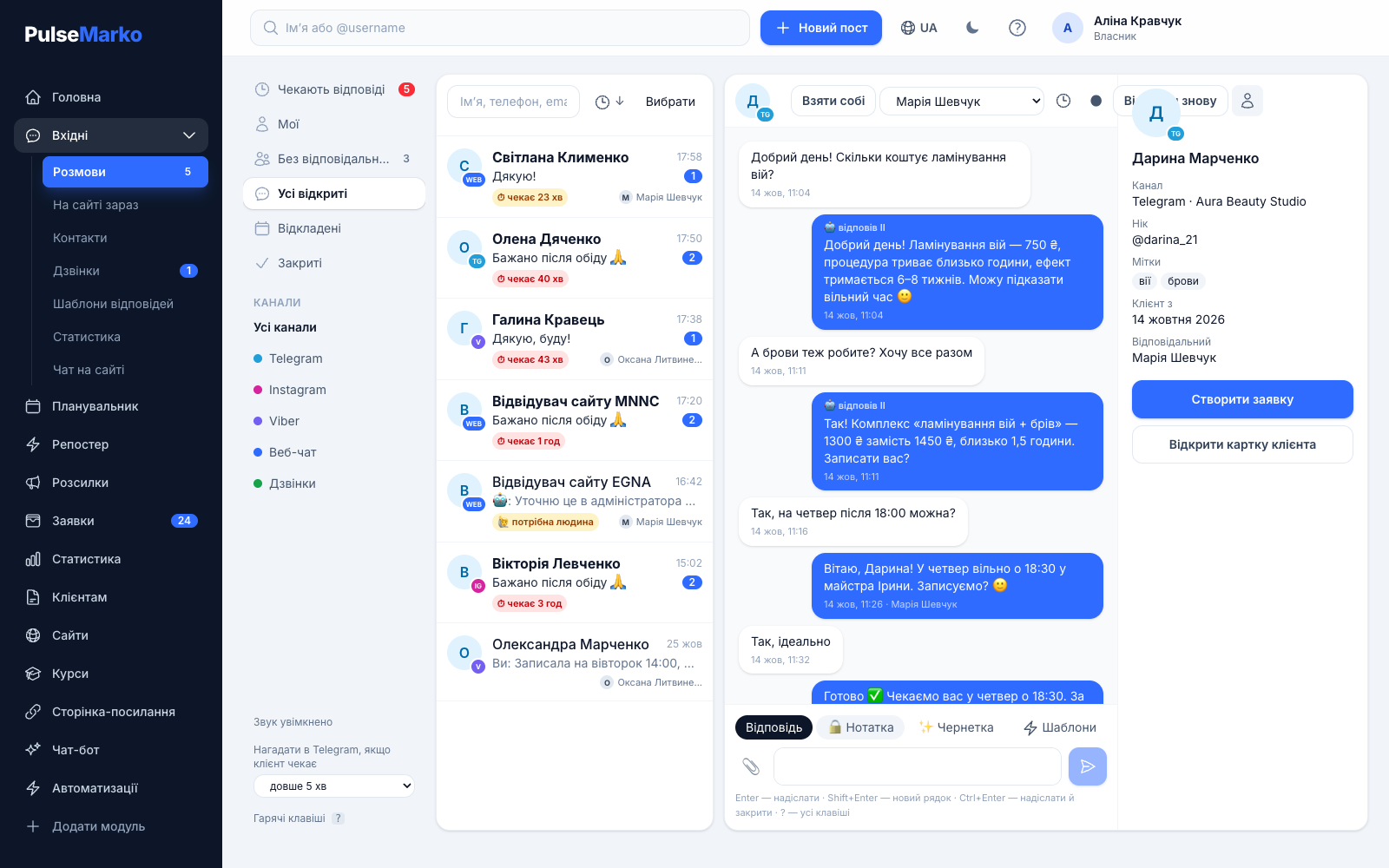
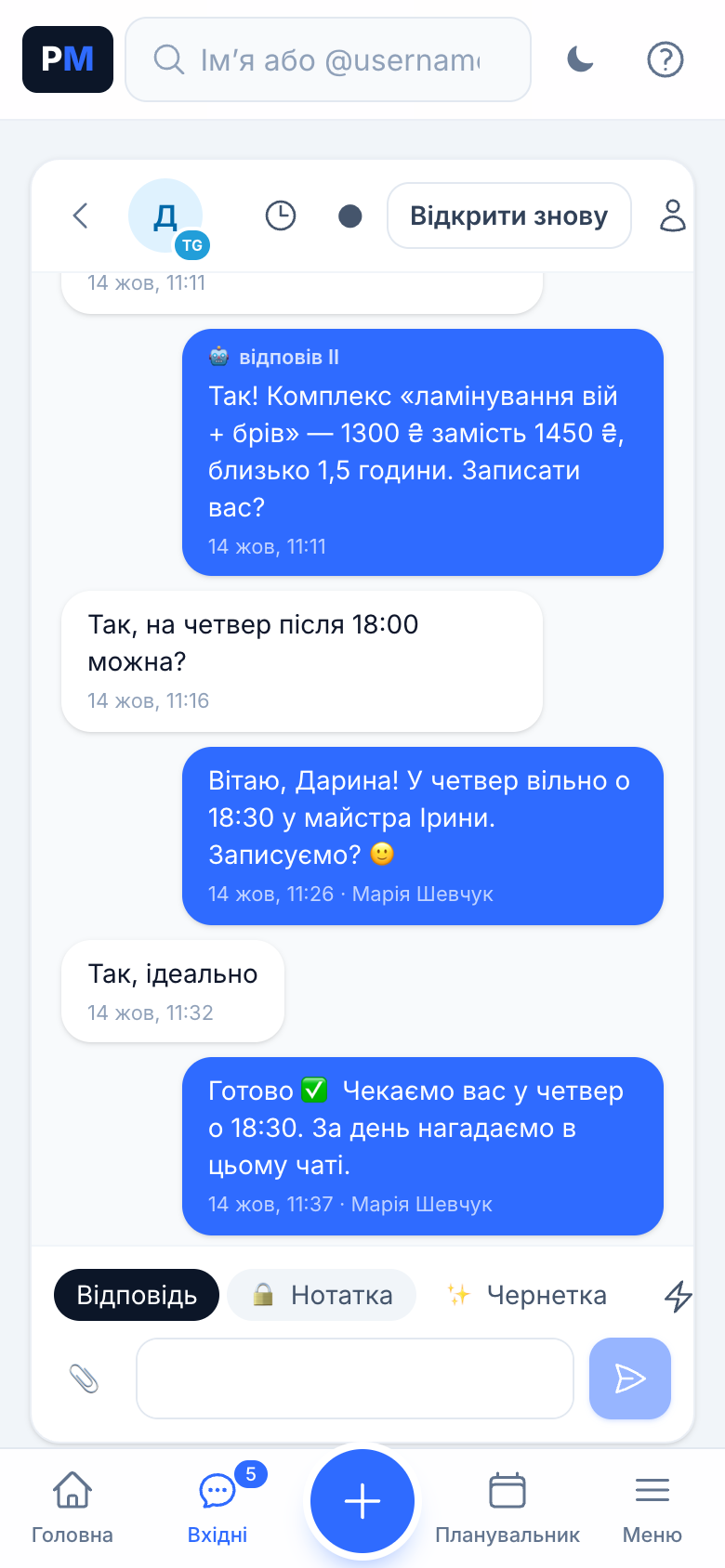
Connect a Telegram bot and a Viber bot with their tokens, and install the chat on your website. All new messages appear in the PulseMarko Inbox. Each team member opens it in their own browser with their own login.
Which messengers can I connect to the CRM?
Telegram, Viber and website chat work now. Instagram, Facebook and WhatsApp are in development and will start working after Meta review. TikTok is waiting for TikTok approval.
Can the whole team work from one messenger account?
Yes. There is one bot, and team members sign in to the Inbox with their own accounts. Every conversation has an assignee, and if two people open the same one, you can see who is viewing it and who is typing a reply.
Will messages from different channels get lost?
A conversation stays in the "Awaiting reply" folder until the customer gets an answer. If someone waits longer than 5 minutes, the assignee gets a reminder in Telegram. You can change the threshold to 10, 15, 30 or 60 minutes, or turn it off. In the report, requests left unanswered for more than 15 minutes are marked as "Lost".
How does the CRM know it is the same person writing on Telegram and Viber?
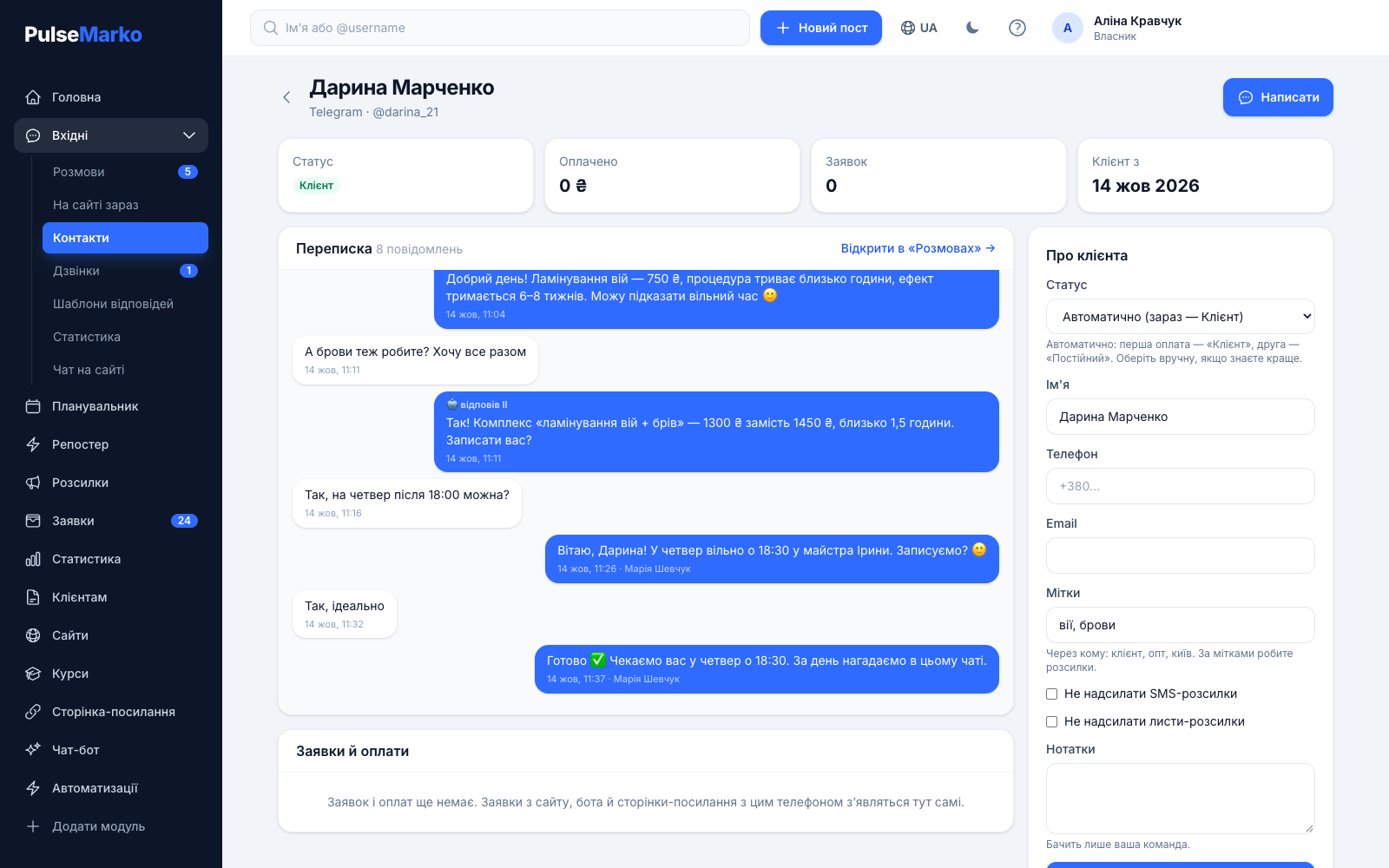
If two contacts share a phone number or email, the card shows the hint "Looks like the same customer". After you click "Merge", labels, status, notes and assignee become shared. Contacts are never merged automatically without your confirmation.
How much does it cost to connect a messenger to the CRM?
Connecting a channel is free. One operator is included in the free plan with no time limit, and each additional operator costs $3.99 per month (≈180 ₴), up to 50. Channel limits come from the modules. The bot is free up to 500 subscribers and 10,000 bot messages per month, then the price depends on the number of subscribers: from $9.49 per 1,000. Website chat is free for 1 site and 100 conversations per month.
How is this different from apps like Franz or Rambox?
Those apps open several messengers in tabs on a single computer. In the Inbox, a conversation has an assignee, notes for colleagues, templates, labels and reply statistics, and several people work in it at once from different devices.
Who can see conversations with customers?
Only the employees of your company whom you added under "Team and roles". Customers never see notes. In browser notifications, the message text does not pass through Google or Apple servers.